

Centralised and streamlined alarms
Instant licence information capture
Unified user interface
Consolidate multi-brand cameras
Security and compliance
Automatic server failover
Rapid and user-friendly
Automated event detection
Video management overview
CATHEXIS feature
CATHEXIS licensing options
Operator and installer manuals
Key video solution management components:
Easy-to-use client
Multi-site solutions
Mobile solution
Versatile market applications
Architecture specifications
Reseller application
Seamless system integration
Supporting active ecosystem of partners
Scalable infrastructure solutions
Operator and installer manuals
In-depth video explanations
Dedicated support team
Design systems
Submit a project application
Submit an integration application
CATHEXIS brochure
Educational webinars
Answers to common issues
Policy documents


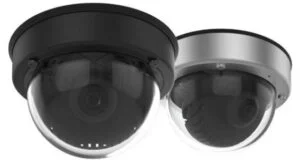
Home > Integrations > Cameras > Mobotix V25