Overview
CATHEXIS 2026 is an open, integrated ecosystem that brings video monitoring, analytics, maps, alarm workflows, web access, and third-party device integrations together in one powerful platform. Built to scale from single sites to complex multi-site environments, it helps organisations simplify operations, respond faster to incidents, protect privacy, and optimise storage, support, and long-term performance.
Portals
Turn live video into an interactive control panel, so operators can navigate sites and act in a single click.
- Jump instantly between cameras and areas by clicking custom shapes or icons overlaid on live video feeds
- Trigger intercoms, doors and other outputs, and see motion alerts at a glance, all from the same view
- Match on-screen layouts to your real-world site for faster, more accurate operator responses
Interactive Maps
See exactly where things are happening, across every site and route, in real time.
- Visualise cameras, vehicles and key resources on an interactive GIS map for instant, at-a-glance awareness
- Open live camera views, toggle outputs and filter resources directly from the map for faster decisions
- Track vehicle routes and driver journeys with CATHEXISDynamics MVR to stay proactive across large, multi-site operations
Turn static maps into a live, interactive control layer that shows real status and lets operators act instantly.
- See real-time system states at a glance with animated icons, styled objects, and clear open/closed or on/off indicators
- Trigger rules-driven actions directly from the map using clickable objects and variable text
- Build and update maps fast with an icon library, attention-grabbing effects, and simple copy/paste of objects and style
Web
View your sites from any browser, with smooth, secure video monitoring and no software to install.
- Log in via a web browser to view and review footage directly from your NVR installation
- Adaptive streaming and auto-reconnect keep remote monitoring smooth, even on variable connections
- Navigate complex sites quickly with Portals, Adjacent Camera Mapping and flexible layout tools
Alarms Management
Turn alarm noise into clear, accountable action across every site.
- Centralise alarm handling for one or many sites, with clear assignment, escalation and ownership tracking
- Guide operators with structured, step-by-step workflows, notes and comments attached to each alarm
- Maintain a full audit trail so nothing falls through the cracks and every response is documented
Unify devices and multiply impact.
Bring every device into one connected ecosystem, so operators can see more, do more, and respond faster.
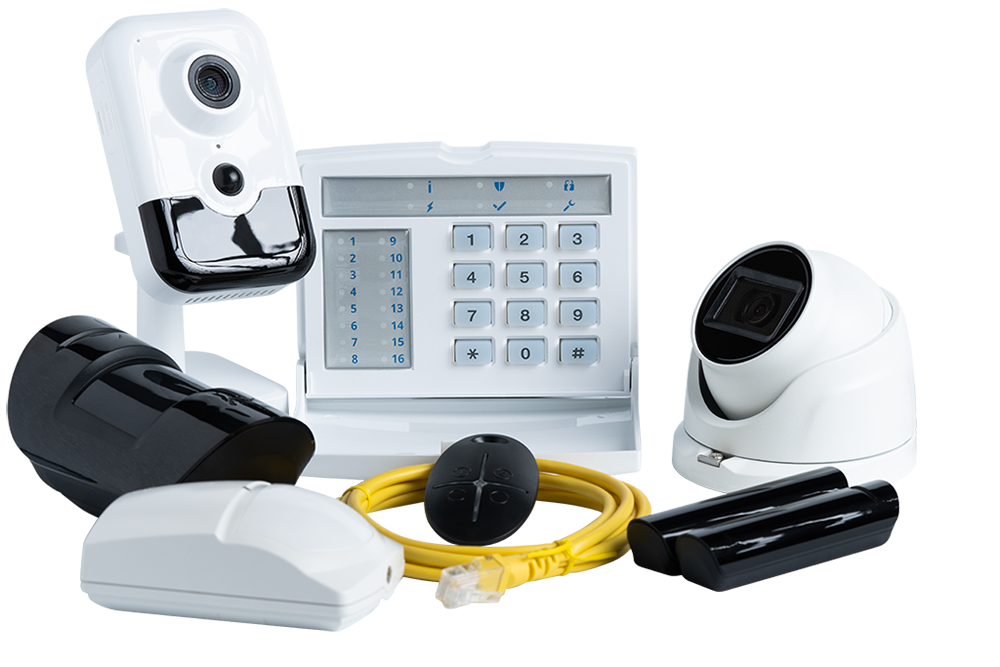
- Ajax (sensors & alarms)
Control a wide range of devices and link video monitoring to sensor events and leak detection. Convert signals into actionable, operator friendly workflows. - Gallagher (access, fence, alarms, I/O)
One driver unlocks the full ecosystem. Manage doors and zones, monitor fences, handle alarms, and display people counts on maps— all through a single integrated driver that makes installation and maintenance easier. - Uniview (intercoms)
Answer from anywhere. Treat intercoms like cameras: view, record, and answer calls from the same operational interface. - Multiple camera integrations and enhancements
Redactor
Protect identities in shared video, without slowing investigations.
- Detect, track and redact multiple faces in exported footage, with drag-and-drop editing, renameable face trails and full undo/redo
- Use custom thresholds to minimise false positives, preview exports, and keep a record of every change for audit-ready evidence
- Speed up processing with CPU/GPU acceleration and fisheye camera support, so privacy compliance fits smoothly into everyday video monitoring workflows
2026
Operational Engine
Downloads
2026
Central Management
Downloads
| CATHEXISConnect Enterprise Failover and Backup Guidelines | ||||||
|
||||||
Specialised Capabilities
Cathexis software versions
Vision | Carbon | Connect
Vision 2025 | Carbon 7 | Enterprise 7
Vision 2024 |Carbon 6 | Enterprise 6
Vision 2023 | Carbon 5 | Enterprise 5
Versions 2014-2022